Buy Farming Simulator 25: Vredo Pack

DLC
Platform:
Windows
Genre:
Simulator
Publisher:
GIANTS Software GmbH
Activation:
Steam
Release Date:
24 march 2026
Languages:
English
Type:
Key
Region:
EU
8 $
 In stock
Extra Content
Farming Simulator 25 required to run
Maintain your grassland with technology from Vredo, the renowned specialist in overseeding and slurry injection. In the meantime, wild boars have been set loose to roam the land and threaten the health of your crops.
12 New Machines
The Vredo Pack sees traditional Dutch manufacturer Vredo join the series for the first time, while Evers Agro returns. A dozen new machines help you to counter the degradation of grassland.
Manage the Damage
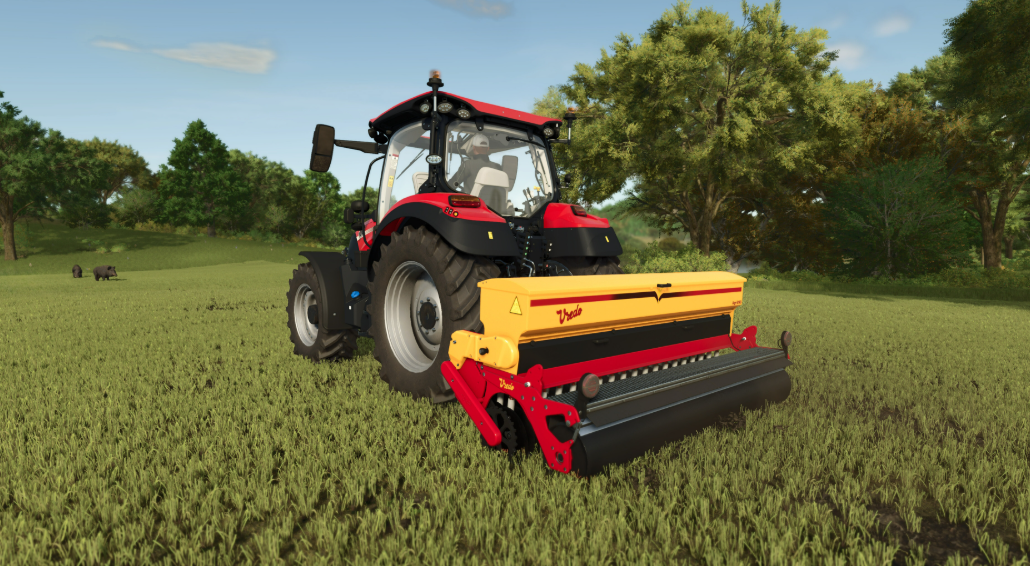
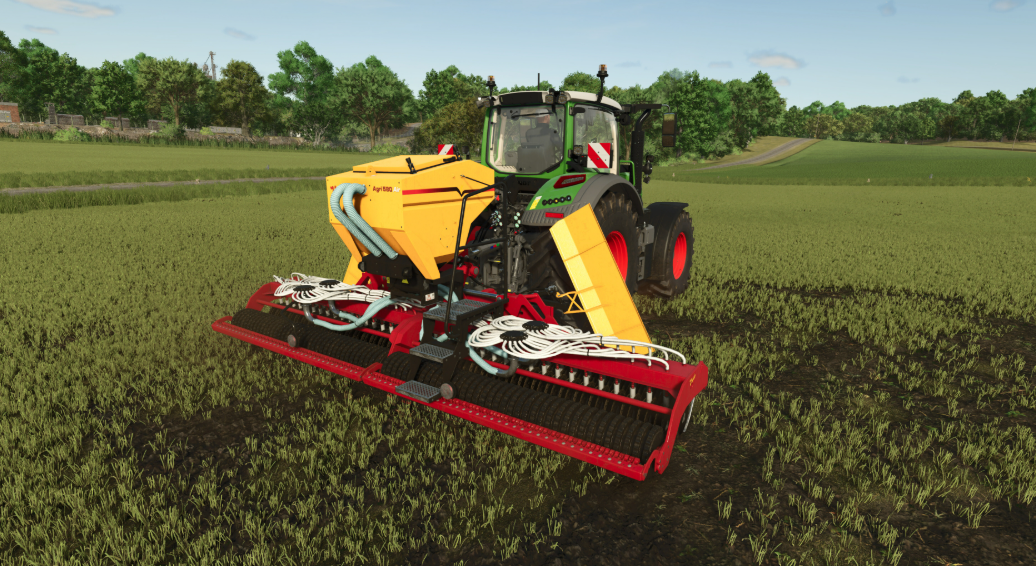
The Vredo Agri Twin 580, Agri 290, and Agri Air 290 of the brand-new DZ5 seeder generation allow you to overseed grassland and restore yield potential. Keep an eye out for the ancestors of domesticated pigs with bristly, dark hair on the fields and distract them to decrease crop damage!
Slurry to the Soil
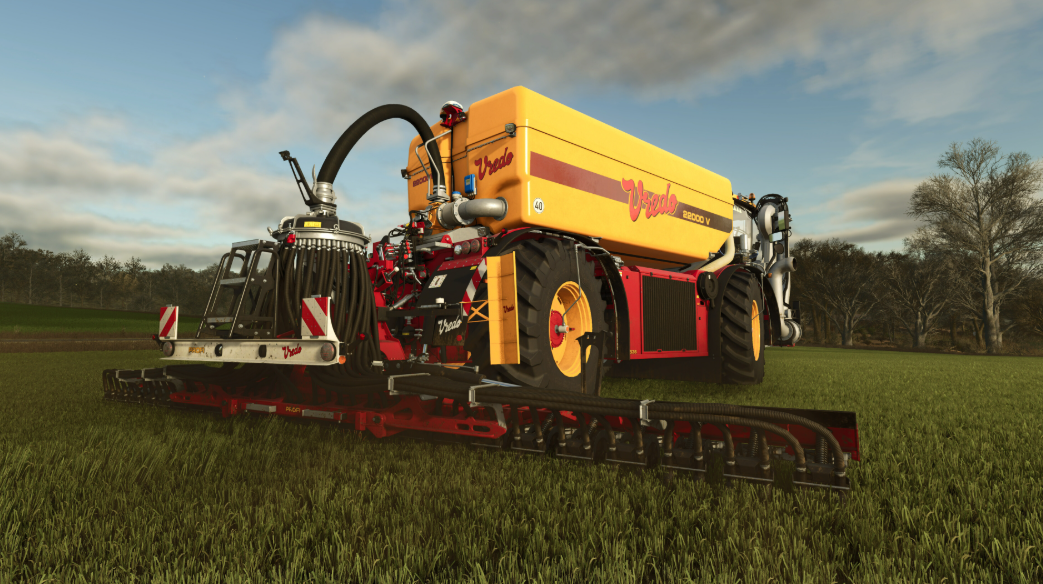
In addition to overseeding, proper slurry injection with a Vredo slurry injector can increase your yield and crop quality. Use the Vredo VT7138, a high-capacity, three-axle self-propelled slurry tanker, injectors of the Vredo Profi series, or the mounted Evers Agro Toric 48-672 for maximum efficiency and soil nutrition.
12 New Machines
The Vredo Pack sees traditional Dutch manufacturer Vredo join the series for the first time, while Evers Agro returns. A dozen new machines help you to counter the degradation of grassland.
Manage the Damage
The Vredo Agri Twin 580, Agri 290, and Agri Air 290 of the brand-new DZ5 seeder generation allow you to overseed grassland and restore yield potential. Keep an eye out for the ancestors of domesticated pigs with bristly, dark hair on the fields and distract them to decrease crop damage!
Slurry to the Soil
In addition to overseeding, proper slurry injection with a Vredo slurry injector can increase your yield and crop quality. Use the Vredo VT7138, a high-capacity, three-axle self-propelled slurry tanker, injectors of the Vredo Profi series, or the mounted Evers Agro Toric 48-672 for maximum efficiency and soil nutrition.
Minimum Requirements
Windows
Requires a 64-bit processor and operating system
OS Windows 10 64bit
Processor Intel Core i5-6400, AMD Ryzen 5 1400, or better
Memory 8 GB RAM
Graphics Nvidia GeForce GTX 1050Ti, AMD Radeon RX 470 graphics card or better (min 3GB VRAM, DX12 support)
DirectX Version 12
Network Broadband Internet connection
Storage 45 GB available space
Sound Card Sound card
VR Support N/A
If you are not familiar with the technical information of your PC, download the CPU-Z program. CPU-Z will give you detailed information about the main system components - CPU, RAM, video card - installed on your system, which you can then compare with the minimum requirements of the game.
- Go to: http://store.steampowered.com/ and download STEAM client
- Click "Install Steam" (from the upper right corner)
- Install and start application, login with your Account name and Password (create one if you don't have).
- Please follow these instructions to activate a new retail purchase on Steam:
- Launch Steam and log into your Steam account.
- Click the Games Menu.
- Choose Activate a Product on Steam...
- Follow the onscreen instructions to complete the process.
- After successful code verification go to the "MY GAMES" tab and start downloading.
Videos & Screenshots







- Payments
-

-

-

-

-

-

-

-

-