Buy NUTMEG! A Nostalgic Deckbuilding Football Manager / EU
Platform:
Windows
Genre:
Adventure
Publisher:
Secret Mode Limited
Activation:
Steam
Release Date:
26 march 2026
Languages:
English
Type:
Key
Region:
EU
25.00 USD
 In stock
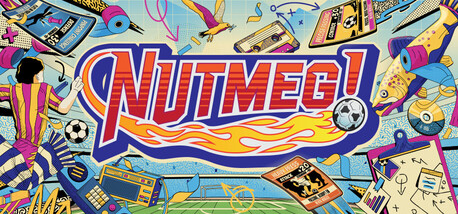
Deckbuilding goes in two-footed on football management!
Become the gaffer of a classic football team and embark on a nostalgic 20-year journey up and down the English football Divisions through the 1980s and 1990s.
A Game of Two Halves
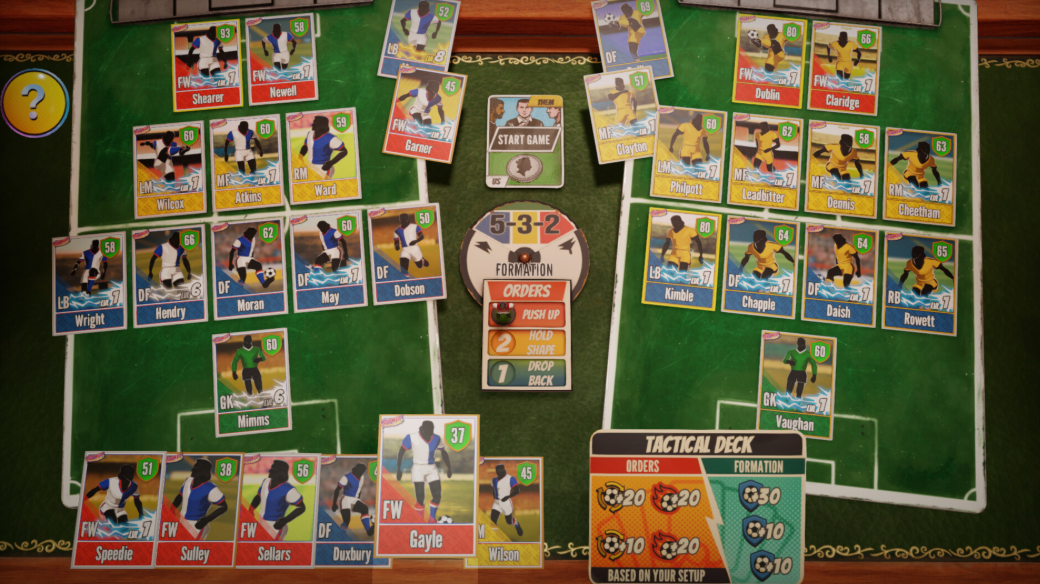
Pick your line-up and formations, and challenge the opposition in a fast-paced card battler with three points on the line in every match.
Move the Goalposts
The only football game where getting cards is a good thing! Earn card packs by completing challenges. Combine cards to enhance your deck and bully the other team off the pitch.
Get Your Head in the Game
Route one? Tiki-taka? Counter-attacking? Refine skills and strategies in training to earn extra card packs and humble your opponents when Saturday comes.
Keep Your Eye on the Ball
Pick your club, manage player transfers, scout and develop youth talent, and scrap for every place across four Divisions.
Get Stuck In
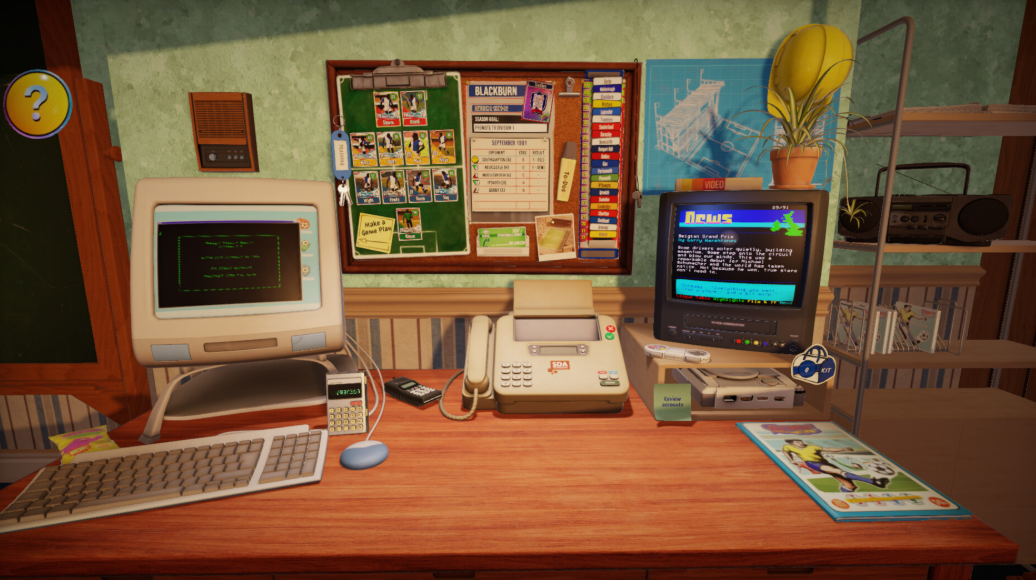
Manage the entire club from your desk. Control the finances, talk with the press, and hire and fire backroom staff. Don't get too distracted by any retro games on the computer...
Big Game Player
Immerse yourself in some of the most iconic eras of English football. Unlock new clubs each season and decide whether to be a journeyman manager or a one-club hero.
Become the gaffer of a classic football team and embark on a nostalgic 20-year journey up and down the English football Divisions through the 1980s and 1990s.
A Game of Two Halves
Pick your line-up and formations, and challenge the opposition in a fast-paced card battler with three points on the line in every match.
Move the Goalposts
The only football game where getting cards is a good thing! Earn card packs by completing challenges. Combine cards to enhance your deck and bully the other team off the pitch.
Get Your Head in the Game
Route one? Tiki-taka? Counter-attacking? Refine skills and strategies in training to earn extra card packs and humble your opponents when Saturday comes.
Keep Your Eye on the Ball
Pick your club, manage player transfers, scout and develop youth talent, and scrap for every place across four Divisions.
Get Stuck In
Manage the entire club from your desk. Control the finances, talk with the press, and hire and fire backroom staff. Don't get too distracted by any retro games on the computer...
Big Game Player
Immerse yourself in some of the most iconic eras of English football. Unlock new clubs each season and decide whether to be a journeyman manager or a one-club hero.
Minimum Requirements
Requires a 64-bit processor and operating system
OS Windows 10 64-bit
Processor Intel i5-8250U or AMD Ryzen 3 2200U
Memory 4 GB RAM
Graphics Integrated Graphics (Intel UHD 620 / Iris 655 or AMD Vega 6)
Storage 8 GB available space
Additional Notes SSD Required
If you are not familiar with the technical information of your PC, download the CPU-Z program. CPU-Z will give you detailed information about the main system components - CPU, RAM, video card - installed on your system, which you can then compare with the minimum requirements of the game.
- Go to: http://store.steampowered.com/ and download STEAM client
- Click "Install Steam" (from the upper right corner)
- Install and start application, login with your Account name and Password (create one if you don't have).
- Please follow these instructions to activate a new retail purchase on Steam:
- Launch Steam and log into your Steam account.
- Click the Games Menu.
- Choose Activate a Product on Steam...
- Follow the onscreen instructions to complete the process.
- After successful code verification go to the "MY GAMES" tab and start downloading.
Videos & Screenshots


Recommended





- Payments
-

-

-

-

-

-

-

-

-