Buy SCUM Eastern Furniture Pack

DLC
Platform:
Windows
Genre:
Indie
Publisher:
Gamepires
Activation:
Steam
Release Date:
19 february 2026
Languages:
English
Type:
Key
Region:
EU
10 $
 In stock
Extra Content
SCUM required to run
Introducing the SCUM Eastern Furniture Pack!
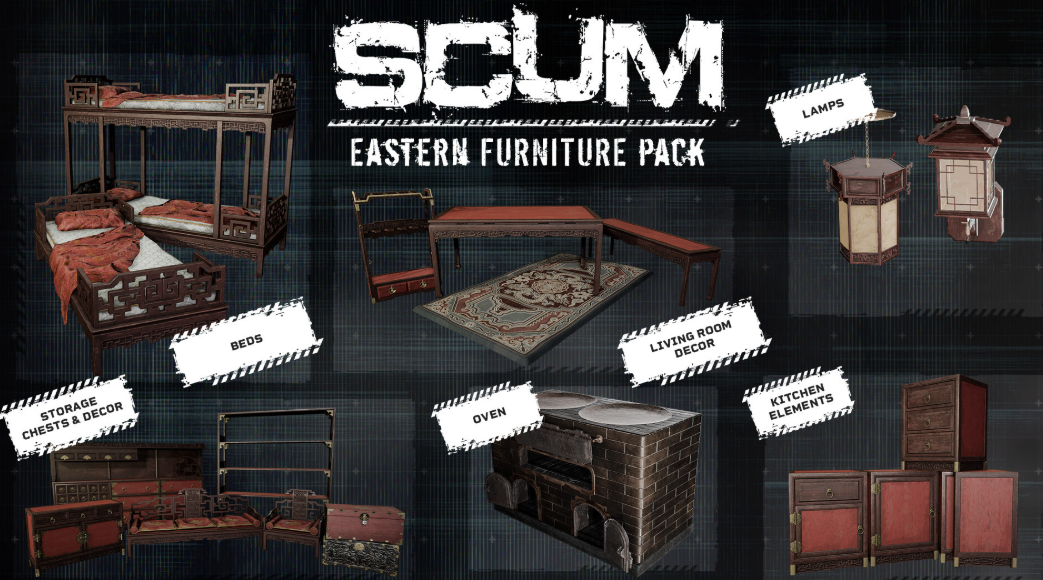
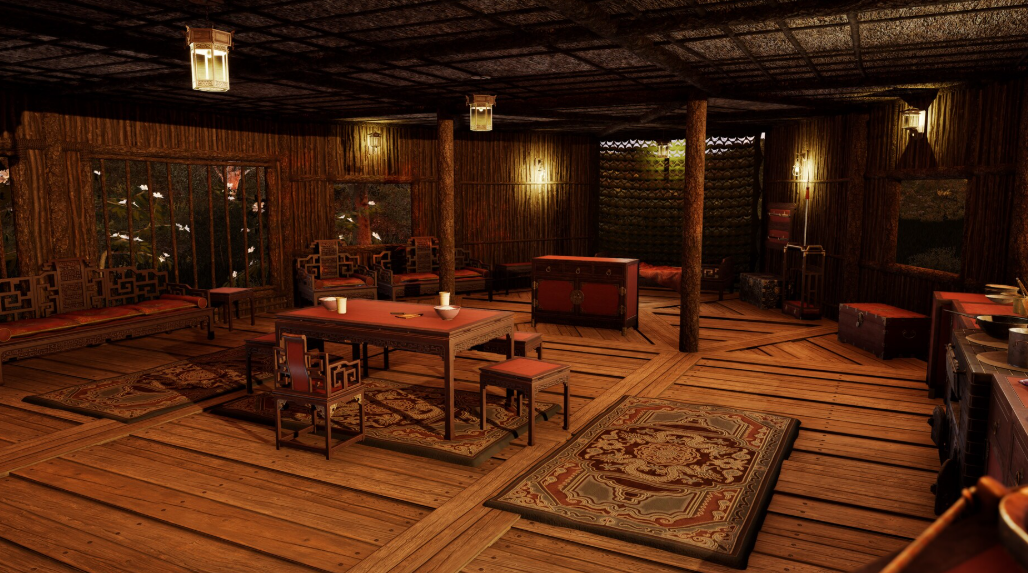
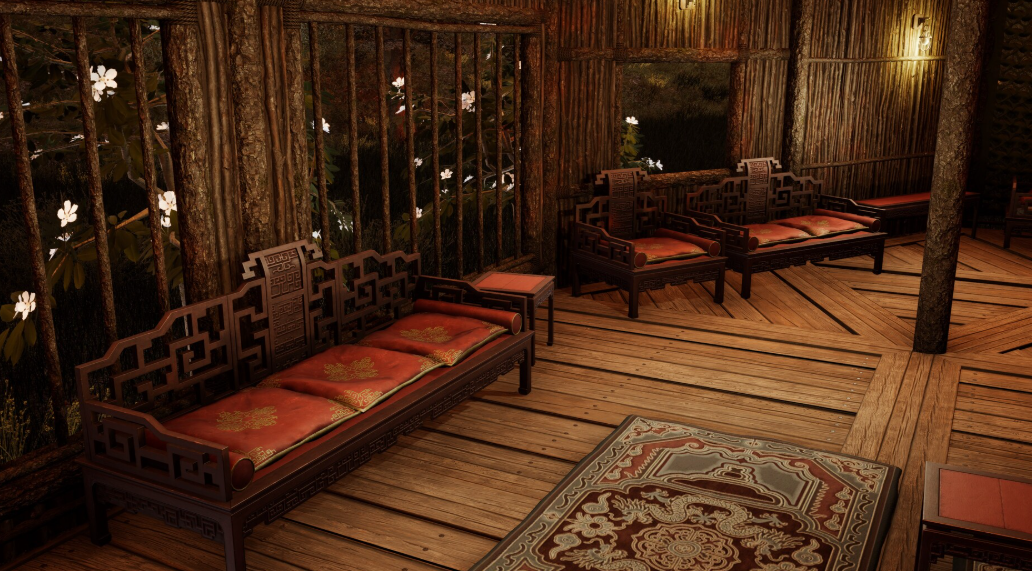
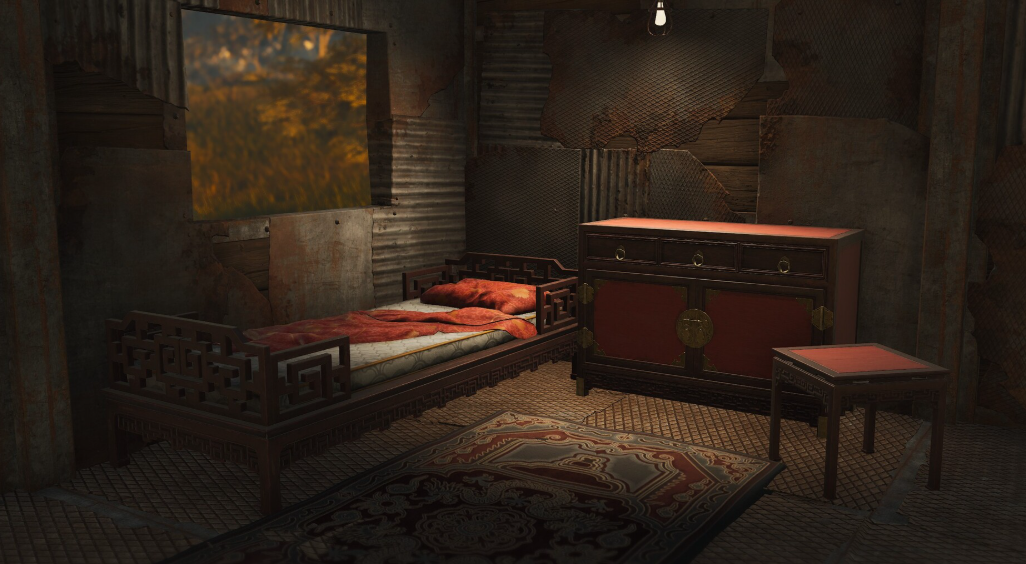
Inspired by the style of the Far East, these new furniture skins provide an iconic look to your base interior. Sofas, shelves, lights, and so much more.
Included are 29 new skins for base-building elements:
Chest skins:
- New style of chests for all 3 types of chests available: wooden, improved, and metal.
Woodwork skins:
- Whether it's beds, shelves, weapon racks, benches, or kitchen elements, each one has its own special skin available.
Lighting skins:
- The iconic look of lanterns or the power of electricity, choose your style of light source.
And more:
- New style of the oven, rug, etc.Introducing the SCUM Eastern Furniture Pack! Inspired by the style of the Far East, these new furniture skins provide an iconic look to your base interior. Sofas, shelves, lights, and so much more:
Inspired by the style of the Far East, these new furniture skins provide an iconic look to your base interior. Sofas, shelves, lights, and so much more.
Included are 29 new skins for base-building elements:
Chest skins:
- New style of chests for all 3 types of chests available: wooden, improved, and metal.
Woodwork skins:
- Whether it's beds, shelves, weapon racks, benches, or kitchen elements, each one has its own special skin available.
Lighting skins:
- The iconic look of lanterns or the power of electricity, choose your style of light source.
And more:
- New style of the oven, rug, etc.Introducing the SCUM Eastern Furniture Pack! Inspired by the style of the Far East, these new furniture skins provide an iconic look to your base interior. Sofas, shelves, lights, and so much more:
Minimum Requirements
Requires a 64-bit processor and operating system
OS Windows 10 64-bit
Processor Intel Core i5-4430 / AMD FX-6300
Memory 16 GB RAM
Graphics NVIDIA GeForce GTX 1060 3GB / AMD Radeon RX 480 4GB
DirectX Version 11
Network Broadband Internet connection
Storage 80 GB available space
Additional Notes SSD
If you are not familiar with the technical information of your PC, download the CPU-Z program. CPU-Z will give you detailed information about the main system components - CPU, RAM, video card - installed on your system, which you can then compare with the minimum requirements of the game.
- Go to: http://store.steampowered.com/ and download STEAM client
- Click "Install Steam" (from the upper right corner)
- Install and start application, login with your Account name and Password (create one if you don't have).
- Please follow these instructions to activate a new retail purchase on Steam:
- Launch Steam and log into your Steam account.
- Click the Games Menu.
- Choose Activate a Product on Steam...
- Follow the onscreen instructions to complete the process.
- After successful code verification go to the "MY GAMES" tab and start downloading.
Videos & Screenshots




- Payments
-

-

-

-

-

-

-

-

-