Buy Toll Booth Simulator / EU

Platform:
Windows
Genre:
Adventure
Publisher:
Ultimate Games SA
Activation:
Steam
Release Date:
27 april 2026
Languages:
English
Type:
Key
Region:
EU
13 $
 In stock
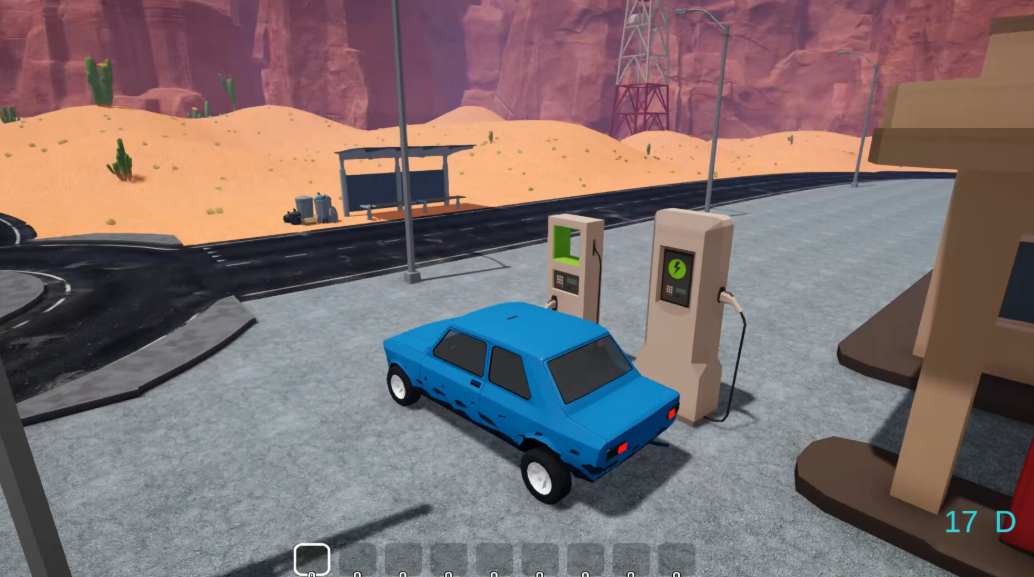
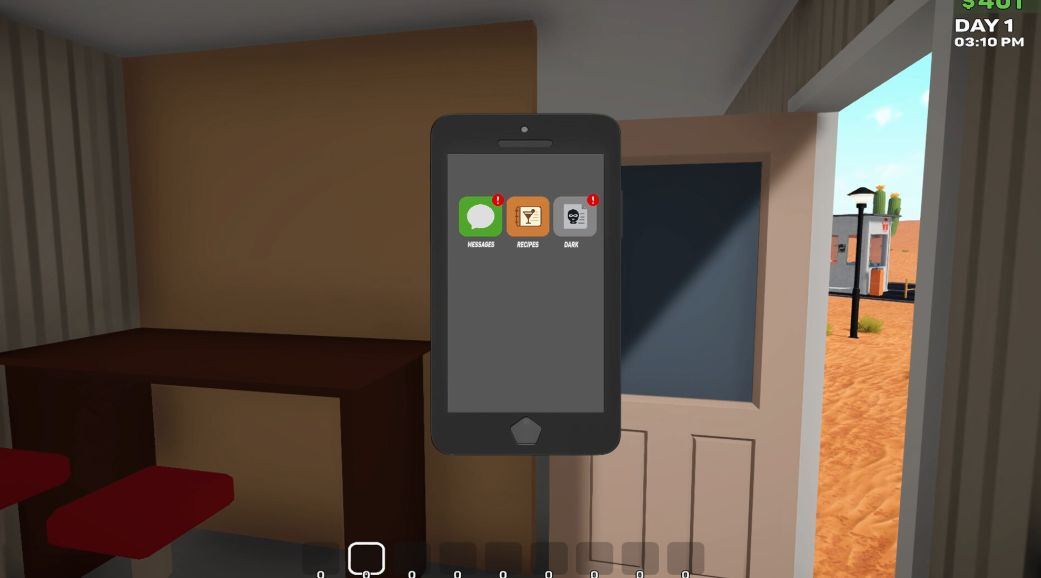
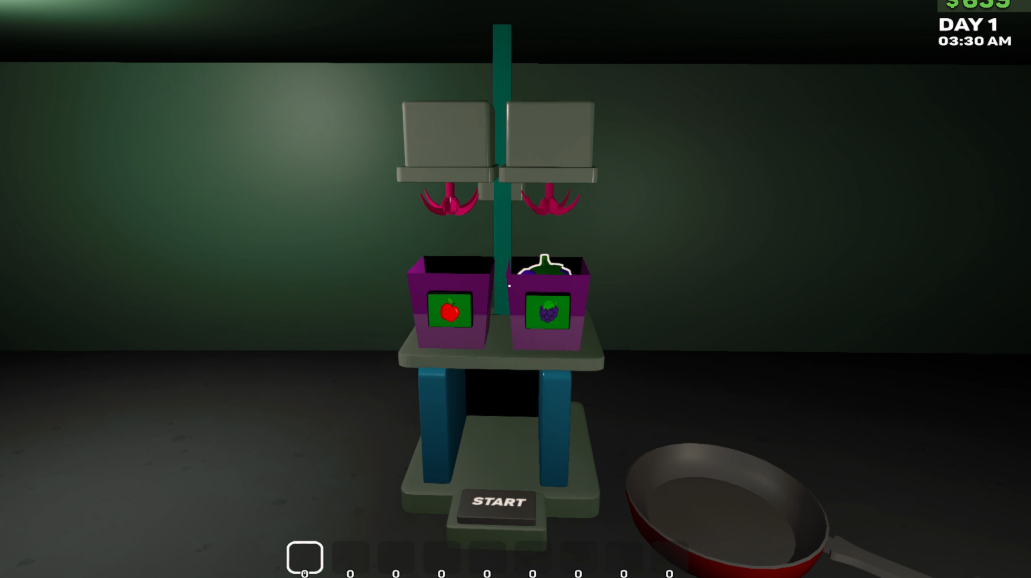
Punch in. Let the madness begin. You're the sole toll booth operator on a remote desert highway. At first, it’s routine: press the button, lift the gate, collect the cash. But routine doesn’t last long out here. You plant strange seeds. You grow bizarre fruit. Soon, you're mixing mocktails and selling drinks to whoever rolls up to the gate. Run your station. Grow your crops. Cook. Serve. Survive!
OPERATE
Manage traffic through your toll gate. Accept payment, deny weirdos, or let them through just to see what happens.
COOK & SELL
Plant exotic seeds. Harvest the fruits of your labor. Mix and sell cocktails with unpredictable and often alarming side effects. Some customers come back for more. Others don’t.
GROW
Farm your ingredients. Plant exotic seeds, water them with a tractor, and harvest bizarre fruits from mutating trees. Everything you need for the drinks... or something else entirely.
WANTED
Break into houses, grab valuables, and escape before the sirens catch up. Some loot is worth the risk. Some not so much.
OPERATE
Manage traffic through your toll gate. Accept payment, deny weirdos, or let them through just to see what happens.
COOK & SELL
Plant exotic seeds. Harvest the fruits of your labor. Mix and sell cocktails with unpredictable and often alarming side effects. Some customers come back for more. Others don’t.
GROW
Farm your ingredients. Plant exotic seeds, water them with a tractor, and harvest bizarre fruits from mutating trees. Everything you need for the drinks... or something else entirely.
WANTED
Break into houses, grab valuables, and escape before the sirens catch up. Some loot is worth the risk. Some not so much.
Minimum Requirements
OS Windows 10 (64-bit)
Processor 3GHz 4-Core or similar
Memory 4 GB RAM
Graphics GeForce GTX 750ti or RX 560
Storage 5 GB available space
If you are not familiar with the technical information of your PC, download the CPU-Z program. CPU-Z will give you detailed information about the main system components - CPU, RAM, video card - installed on your system, which you can then compare with the minimum requirements of the game.
- Go to: http://store.steampowered.com/ and download STEAM client
- Click "Install Steam" (from the upper right corner)
- Install and start application, login with your Account name and Password (create one if you don't have).
- Please follow these instructions to activate a new retail purchase on Steam:
- Launch Steam and log into your Steam account.
- Click the Games Menu.
- Choose Activate a Product on Steam...
- Follow the onscreen instructions to complete the process.
- After successful code verification go to the "MY GAMES" tab and start downloading.
Videos & Screenshots






- Payments
-

-

-

-

-

-

-

-

-